

Data Migration Done Right: Reducing Risk When Moving to Microsoft 365, Azure or Dynamics 365
Are you planning a move to the Microsoft cloud? A migration to Microsoft 365, Azure, or Dynamics 365 promises to improve security and collaboration for your business. However, the process itself is filled with risk.
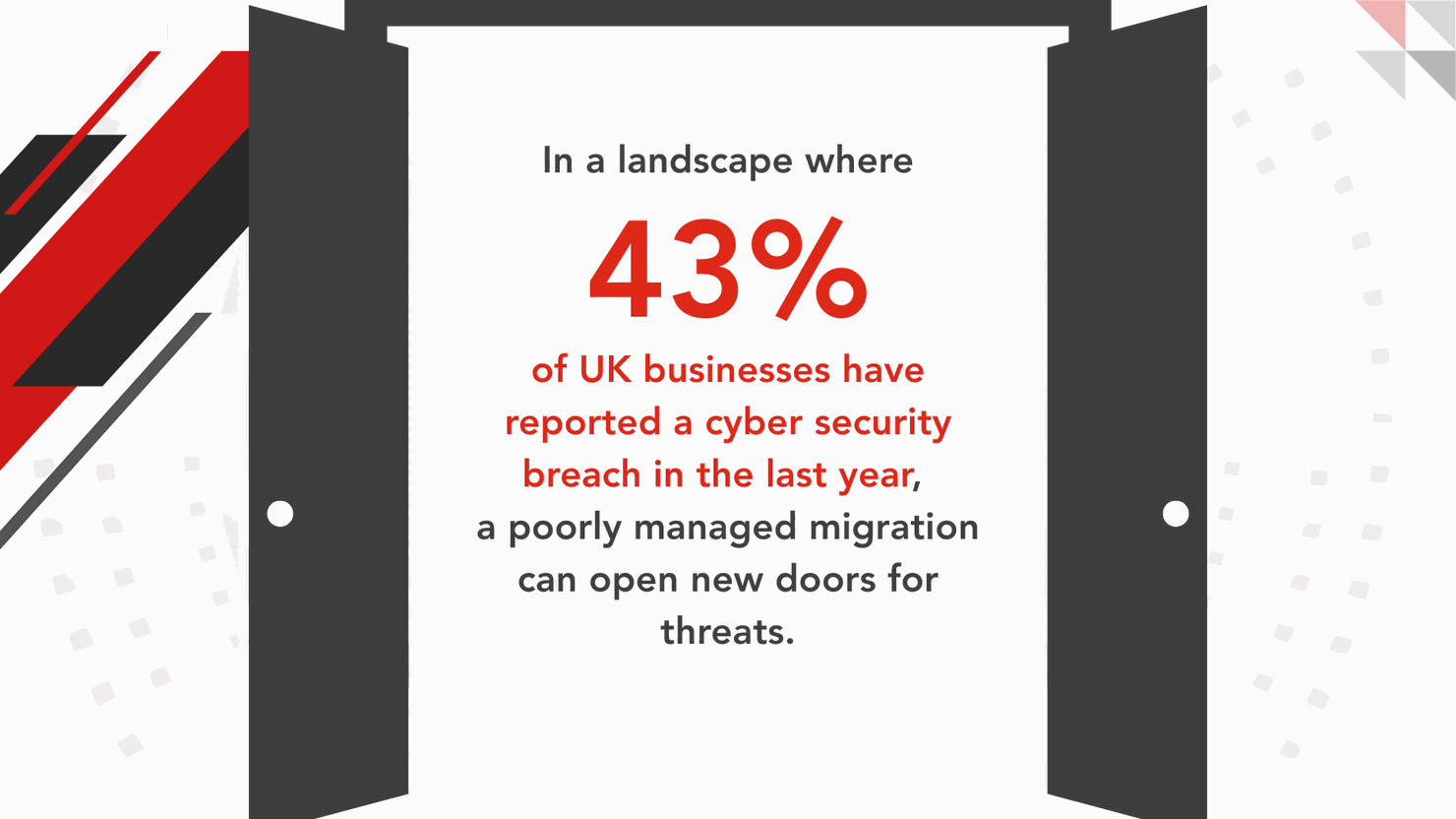
When data, user identities, and critical workflows all shift at once, even small mistakes can lead to significant business disruption. This risk is not just theoretical.
This practical guide breaks down the stages of a successful migration. It shows how proper planning, thorough testing, and dedicated support can turn a high-stakes project into a predictable and valuable business transition.
Understanding the Three Microsoft Migration Scenarios
Most cloud migrations fall into one of three main categories. Identifying which type of migration you are undertaking is the first step. This decision determines the right approach, the best tools, and the most important success metrics for your project.
Microsoft 365 Migration
This type of migration typically involves moving email to Exchange Online, files to SharePoint, and collaboration into Teams. The real difficulty lies in preserving the way people work. A folder path that changes unexpectedly or a broken sharing link can trigger a flood of support tickets on the first day.
A successful Microsoft 365 project should be framed as a controlled transfer of your operational environment. This perspective forces the project to focus on user impact and business continuity, not just on moving files.
Azure Migration
Azure migrations are focused on infrastructure. This includes moving on-premise servers into Azure virtual machines or consolidating data centres. Microsoft provides tools like Azure Migrate to help with planning and execution. These tools offer readiness assessments and migration paths designed to minimise downtime.
In practice, Azure projects often run into trouble when teams move servers before the foundational elements are ready. Before any workload is migrated, you must have your identity management, networking, security baselines, and backup policies firmly in place. Building the landing zone first is non-negotiable.
Dynamics 365 Migration
A Dynamics 365 migration is always business-critical. The data being moved underpins core operational processes like sales, finance, or customer service. These projects require a much deeper level of data mapping than many teams anticipate.
You need to determine which data fields are the single source of truth, which values need to be standardised, and what historical data should be archived rather than migrated. Getting this wrong can corrupt business processes and undermine user trust in the new system.
Before You Migrate: The Checks That Prevent a Messy Cutover
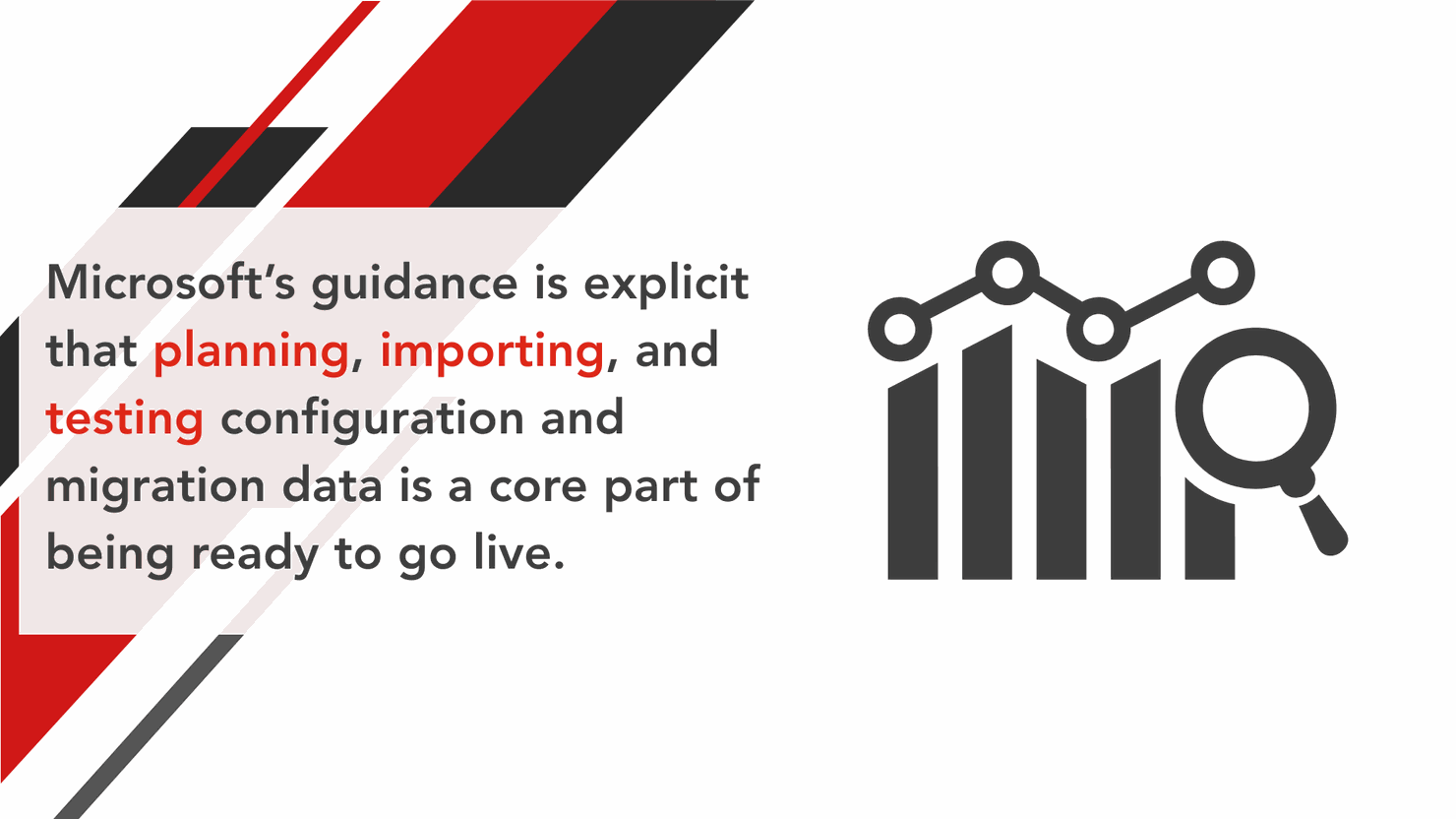
A strong migration plan is about making a handful of key decisions upfront. These choices dramatically reduce risk and eliminate surprises down the road.
Define Success in Measurable Terms
Start by writing down exactly what must work on day one and how you will prove it. For example, success might mean all mailboxes are accessible and key SharePoint libraries have the correct permissions. Vague success criteria lead to subjective testing and a stressful cutover.
Confirm Your Identity and Access Readiness
Identity is the gatekeeper to the entire Microsoft cloud. If your identity setup is not ready, your people either cannot log in or they cannot access what they need. This is often the number one cause of migration failure. Plan this early by confirming your domain setup, establishing a baseline for multi-factor authentication, and deciding how guest users will be handled.
Plan for Backup and Rollback
A rollback plan is your project's safety net. Even if you never use it, the process of creating one forces clearer thinking about dependencies and the correct order of operations. Define what a rollback would entail for each workload, what specific event would trigger it, and who has the authority to make that call.
Treat Compliance as a Core Requirement
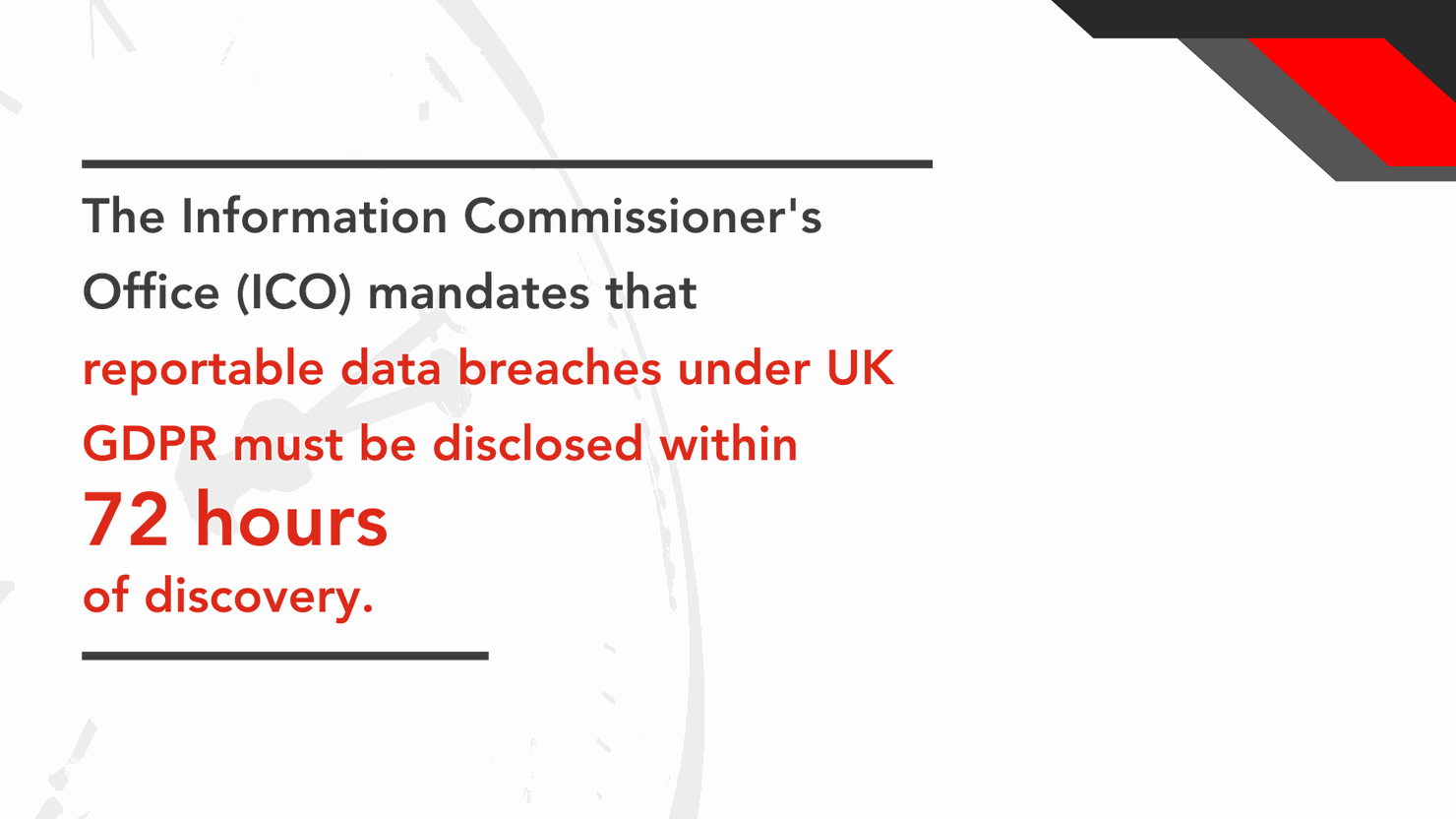
During a migration, data moves and permissions change, creating a window of risk. If personal data is involved, you must have logging, monitoring, and a clear incident response plan ready from the start.
You cannot afford to improvise your response during a crisis.
Build a Simple Change Plan for Your Users
Most of the pain following a Microsoft 365 migration comes from user confusion. Your team needs to know what is changing, when it is changing, and where they can go for help. A simple communications plan paired with dedicated support during the first week will significantly reduce helpdesk tickets and accelerate adoption.
The Migration Phases That Keep the Work Controlled
A successful data migration should be managed as a controlled transfer with distinct phases. This structured approach ensures that the project remains predictable and that risks are managed at every step.
Phase 1: Discovery and Assessment
The goal of this phase is to remove as many unknowns as possible before you touch any production data. The output should be a clear map of your current systems, an inventory of your data, and a risk register that assigns ownership to potential issues. For SharePoint migrations, this is also the time to scan for potential issues like long file paths so they can be fixed before the move. If you are migrating from SharePoint Server, Microsoft also provides a scanning approach via the SharePoint Migration Assessment Tool.
Phase 2: Design and Planning
Here, you turn your findings from the discovery phase into a detailed runbook that the team can execute. This plan should define the migration approach, whether it will be a single cutover or phased over time. It should also include a timeline with key decision points, the choice of migration tools, and detailed plans for the cutover and post-launch support.
Phase 3: Prepare the Destination and the Data
This phase is all about making the new environment clean and usable from day one. This is your opportunity to cleanse your data, decide what to archive, and map out your new information architecture. You will also implement your security baseline, including MFA and conditional access policies. Moving old, messy data into a new platform just makes the new system feel cluttered from the start.
Phase 4: Pilot Migration and Testing
The pilot is where you test your plan in the real world and fix what breaks. A successful pilot should use a representative group of users, including those with complex permissions or business-critical workflows. Testing with an "easy" group will only give you a false sense of confidence. The results of the pilot should be used to update your runbook and revise your timelines based on real-world transfer speeds.
Phase 5: Execute the Migration and Manage the Cutover
This is the main event, where you move the data with minimal disruption. Your team should follow a minute-by-minute cutover checklist with clear owners and back-out steps. Where possible, you should use a delta sync strategy. This copies the bulk of the data ahead of time and then performs a final, quick sync of only the changes, dramatically reducing the final cutover window.
Phase 6: Validate, Stabilise, and Hand Over
After the cutover, the job is not done. The final phase is about proving the migration was successful and supporting users through the transition. This includes performing data reconciliation checks, spot-checking permissions in key locations, and providing dedicated "hypercare" support for a defined period. Once validation is complete and the new environment is stable, you can formally hand over to the operations team and get final sign-off.
Common DIY Pitfalls That Cause Pain
A failed migration is usually the result of many small misses rather than one big error. Here are the most common pitfalls to avoid.
- Underestimating Downtime: Teams often plan for the data transfer but forget the follow-up work, such as DNS changes and client reconfiguration. A detailed cutover runbook and a dedicated support rota keep this under control.
- Treating Identity as an Afterthought: In Microsoft 365, access problems often look like data loss to a user. In reality, the data is there, but they cannot see it. Proper permissions mapping and pilot testing reduce this risk significantly.
- Skipping or Rushing Testing: If you skip a pilot, your cutover weekend becomes the first real test of your plan. This dramatically increases the risk of extended downtime and unforeseen problems.
- Unclear Ownership and Communication: When nobody is empowered to make decisions, small issues can quickly become major delays. A simple responsibility chart and a clear user communications plan reduce this friction.
Choosing the Right Migration Partner
For many SMEs, particularly those in London and Essex, partnering with a local IT support company like AIS Technology can provide the necessary expertise to navigate a complex migration. Depending on your business needs, this partnership can take two forms.
Project-Based Contract
This model is best for one-off migrations with a clearly defined outcome, such as moving a file server to SharePoint. The scope, deliverables, and timelines are agreed upon upfront, and the project is delivered through a structured, runbook-led approach.
Retained IT Support Service
This approach is better suited for migrations that are phased over several months or are part of a broader technology roadmap. A retained service provides ongoing planning, change management, and post-migration support after each phase. This ensures the business remains stable and supported while the IT environment evolves over time.
The results of a well-run migration should be immediately obvious. As a case in point, AIS highlights an e-commerce retailer that implemented cloud backup and managed security services. Within six months, the company reduced internal helpdesk tickets by 40% and improved website uptime to 99.9%. A successful migration should not spike your support tickets or weaken your security. It should make your business better.
Ready to Migrate Without the Disruption?
Your business can't afford the downtime and chaos of a poorly planned migration. You need a partner who treats your operational stability as the number one priority.
Our process starts with a complimentary discovery session where we map out a clear path to success. We'll define the scope, identify the risks, and build a plan that guarantees a smooth cutover.
Contact AIS today to find out how we can manage your next data migration with the confidence and clarity your business deserves.
Tags: Cloud IT Services, Microsoft 365, Data Migration, Microsoft Azure, Microsoft Dynamics 365
Categories: Cloud Solutions, Digital Transformation, IT Services